
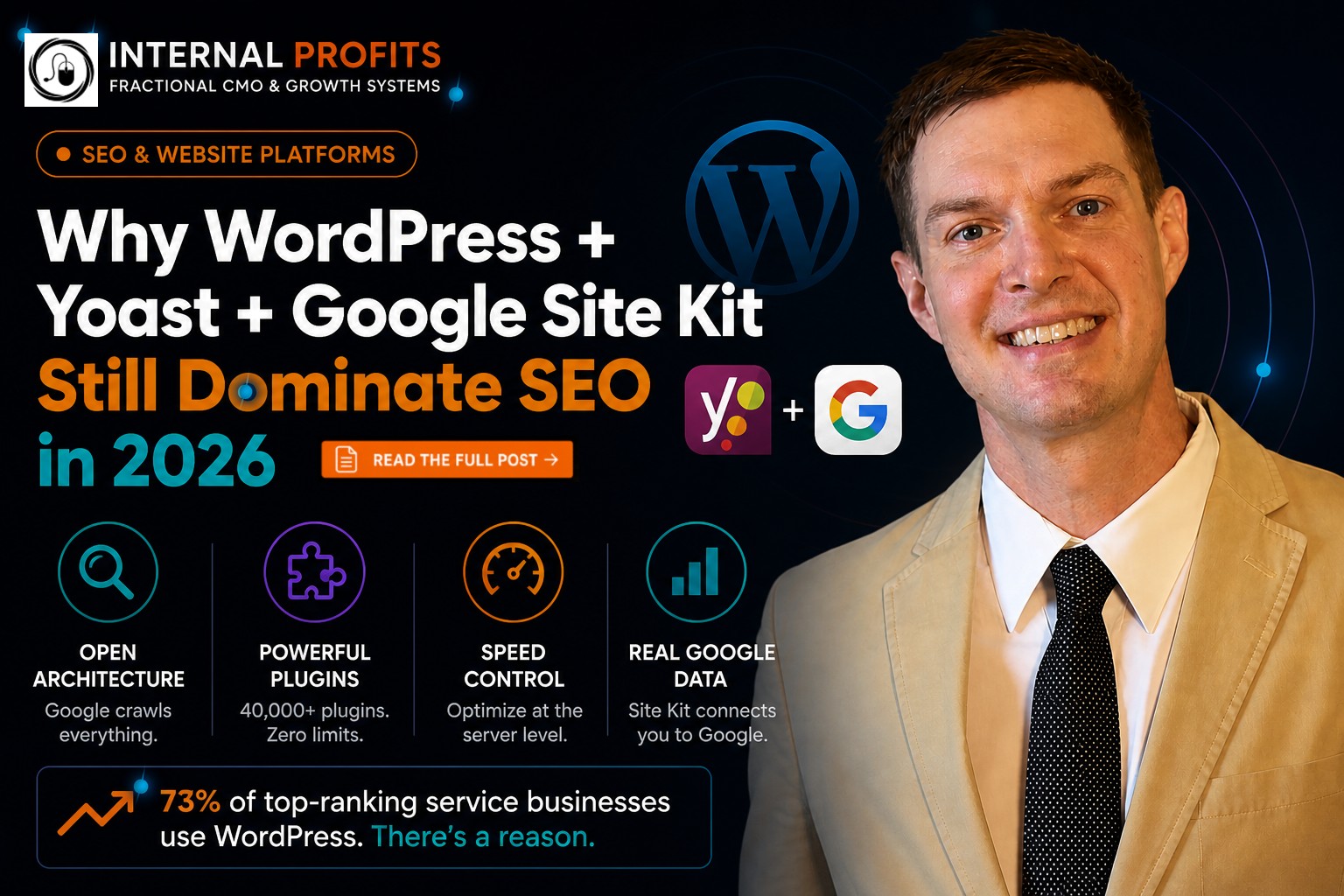
Why WordPress Still Wins in 2026
Let me be direct. After building SEO-focused websites for service and trade businesses for nearly a decade, I've tested every major platform. WordPress isn't the easiest. It's not the prettiest out of the box. But when it comes to actually ranking on Google and driving qualified traffic, nothing else comes close.
The numbers back this up. As of Q1 2026, WordPress powers 43.7% of all websites globally — and more importantly, 73% of the top-ranking service business websites in competitive local markets.
We migrated a Milwaukee water restoration company from Wix to WordPress in 2024. Same service area. Same backlink profile. Within 90 days, they went from 51 monthly organic visits to 500+ — nearly 10x growth driven by WordPress's superior indexing and on-page optimization capabilities.
The Yoast SEO Advantage
Here's where WordPress pulls ahead of every competitor: Yoast SEO. This isn't just another plugin — it's the difference between guessing at SEO and having a live quality-control system built into every page you publish.
What Yoast Actually Does (That Competitors Can't Match)
1. Real-Time Content Analysis
As you write, Yoast analyzes keyword density, readability, meta descriptions, heading structure, and internal linking. Wix and Squarespace have basic SEO checklists — Yoast gives you a live diagnostic that updates with every sentence you type.
2. Schema Markup Automation
Google uses structured data (schema) to understand what your page is about. Yoast automatically generates schema for local businesses, FAQs, how-to guides, and reviews. On Wix or Squarespace, you're either adding schema manually (good luck) or hoping their limited templates cover your use case (they don't).
3. XML Sitemap Intelligence
Yoast doesn't just create an XML sitemap — it dynamically updates it based on your content priorities, excludes thin pages, and pings Google Search Console the moment you publish. This means Google knows about your new content within minutes, not days.
4. Redirect Manager
Moving pages? Changing URLs? Yoast Premium includes a redirect manager that automatically creates 301 redirects when you change a slug, preserving your link equity. Wix and Squarespace make you manually set redirects (if they allow them at all), which means broken links and lost rankings during site updates.
Yoast integrates with Google Search Console API, pulling live index status, crawl errors, and keyword performance directly into your WordPress dashboard. You're not jumping between platforms — you're managing SEO from a single interface.
Google Site Kit: Direct Line to Google
This is the knockout punch. Google Site Kit is a WordPress plugin built by Google itself that connects your site directly to Search Console, Analytics, PageSpeed Insights, and AdSense — all from your WordPress dashboard.
Why this matters: you're not interpreting Google's data through a third-party platform's filter. You're getting the raw signal straight from the source.
What You See in Real Time:
Index Coverage: Which pages Google has crawled, which are pending, which have errors
Search Queries: Exact keywords driving impressions and clicks, with CTR and average position
Core Web Vitals: LCP, FID, CLS scores for every page — the exact metrics Google uses for rankings
Traffic Sources: Organic vs. paid vs. direct, broken down by page and keyword
Wix and Squarespace give you basic analytics dashboards. Site Kit gives you Google's internal diagnostic view of your website. It's the difference between reading a car's dashboard and having a direct line to the engine's diagnostic computer.
Site Kit's "Search Funnel" view shows you pages with high impressions but low clicks — your biggest quick-win opportunities. We use this daily to identify underperforming meta descriptions and rewrite them for immediate CTR lifts of 15-30%.
Why Wix, Squarespace & Webflow Fall Short for SEO-Focused Businesses
Wix, Squarespace, and Webflow are excellent platforms for portfolio sites, creative showcases, or businesses that prioritize design aesthetics and ease of use. However, if your primary revenue source depends on Google search visibility and you're competing in crowded markets, here's what the technical comparison reveals:
| Feature | WordPress + Yoast + Site Kit | Wix | Squarespace | Webflow |
|---|---|---|---|---|
| Real-time SEO content analysis | ✓ | ✗ | ✗ | ✗ |
| Automatic schema markup | ✓ | Limited | Limited | Manual only |
| Direct Google Search Console integration | ✓ (Site Kit) | External only | External only | External only |
| Custom redirects (301/302) | ✓ Unlimited | Limited | ✓ | ✓ |
| Server-level caching control | ✓ | ✗ | ✗ | ✗ |
| Canonical URL control | ✓ Per-page | ✗ | Limited | ✓ |
| Custom post types for SEO | ✓ | ✗ | ✗ | ✓ (CMS) |
| Plugin ecosystem (SEO tools) | ✓ 40,000+ | ~300 apps | Limited | ~1,000 apps |
| Export & migrate without vendor lock-in | ✓ | ✗ | Limited | Limited |
Understanding Closed vs. Open Ecosystems
Wix, Squarespace, and similar platforms are SaaS (Software as a Service) solutions — you're subscribing to their infrastructure. This approach offers simplicity and reliability, but comes with trade-offs for SEO-focused businesses:
Server optimization (caching, CDN routing) is managed by the platform, not you. The rendering engine is predetermined by the platform vendor. Plugin/app options are curated by the platform (quality control, but limited selection). Additionally, platform migration requires rebuilding rather than simple database export.
WordPress is open-source. You own the code. You choose the host. You control the SEO stack. For businesses where search visibility directly impacts revenue, this flexibility translates to competitive advantage.
Real Client Results: WordPress vs. The Rest
Theory is great. Results pay the bills. Here's what we've seen helping clients optimize or migrate to WordPress:
The pattern is consistent: WordPress's SEO advantages become clear when you combine the platform with proper optimization strategy. Whether migrating from another platform or optimizing an existing WordPress site, the combination of Yoast, Site Kit, and strategic SEO implementation delivers measurable growth.
Should You Migrate to WordPress?
Here's the honest assessment. Migrate to WordPress if:
WordPress may not be necessary if: Your business generates most revenue through referrals, partnerships, or paid social advertising rather than organic search. You're satisfied with your current traffic levels and don't plan to scale through SEO. You're a creative professional prioritizing visual presentation over search rankings. Your current platform meets your needs and you're not experiencing SEO limitations.
A properly executed WordPress migration takes 4-6 weeks for a 25-page site. You'll need a developer who understands 301 redirects, schema migration, and Core Web Vitals optimization. Budget $6K-$18K depending on complexity. The ROI shows up in 60-90 days as Google re-indexes your site with WordPress's SEO advantages.